The short answer
Replacing an air filter cartridge does not automatically clear the warning light on your air purifier. Most units rely on simple mechanical run-time counters (typically 2,000 to 4,000 hours) that must be manually reset by the user.
Clearing the Red Filter Light
Replacing an air filter cartridge does not automatically clear the warning light on your air purifier. Most units rely on simple mechanical run-time counters (typically 2,000 to 4,000 hours) that must be manually reset by the user.
Brand-by-Brand Reset Instructions
- Levoit Core Series (300/300S/400S): With the machine powered on, press and hold the illuminated red filter indicator button for 3 seconds until it beeps and shuts off.
- Coway Airmega AP-1512HH: Use a paperclip or pen tip to press and hold the recessed Filter Reset button for 2 seconds. The light will flash twice and turn off.
- Winix 5500-2 / 5300-2: Press and hold the pinhole reset button on the top console using a paperclip for 5 seconds until a beep sounds.
- Honeywell HPA300: Press and hold the illuminated filter indicator button for 2 seconds until the LED extinguishes.
Products mentioned
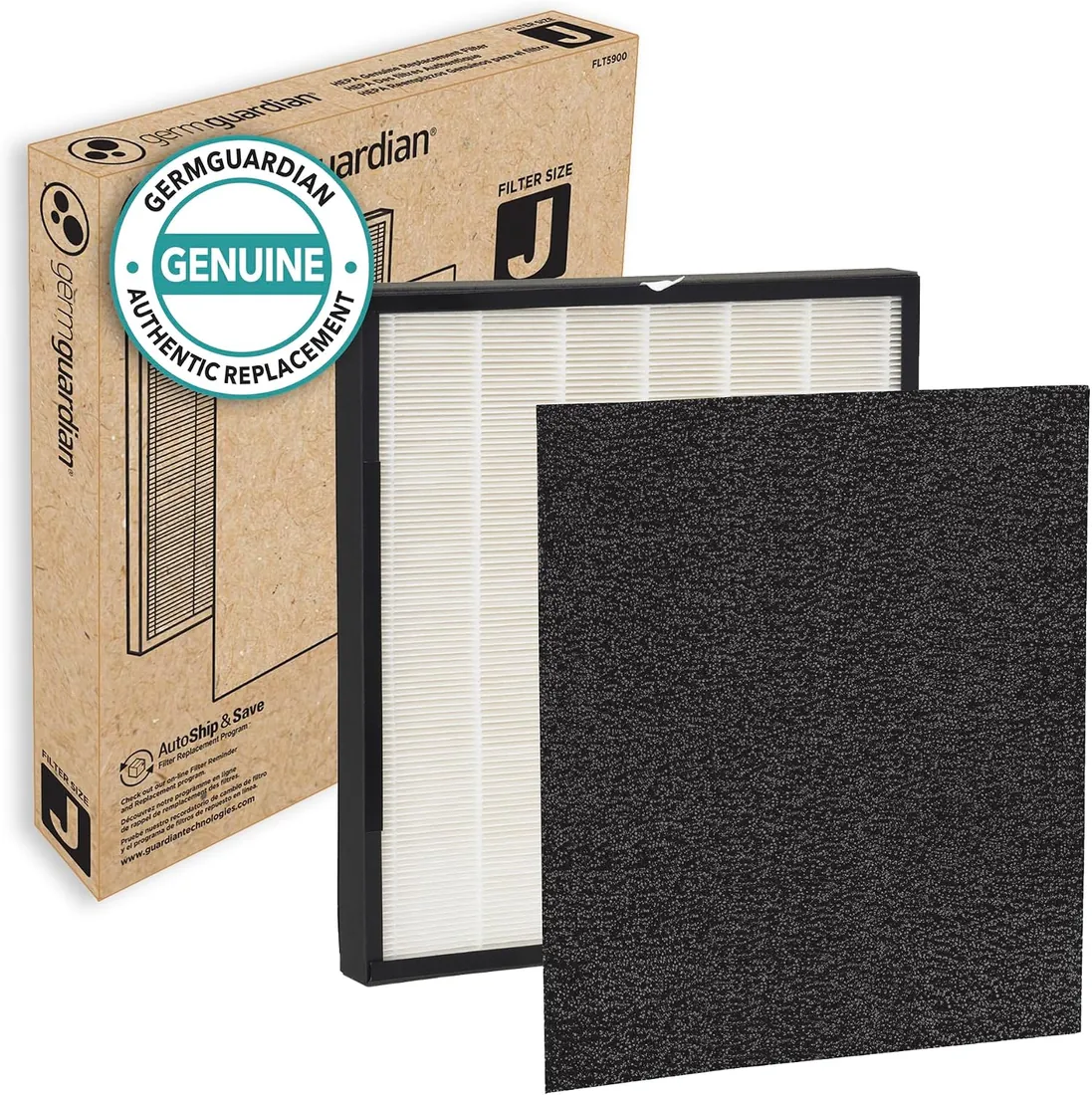
Maker-original filter · GermGuardian
GermGuardian Filter J Replacement Filter
Maker-original filter
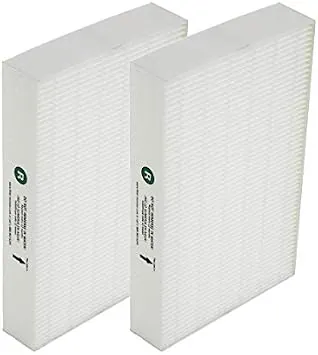
Compatible filter · Filter-Monster
Filter-Monster Replacement Filter for Honeywell HPA090
Compatible filter
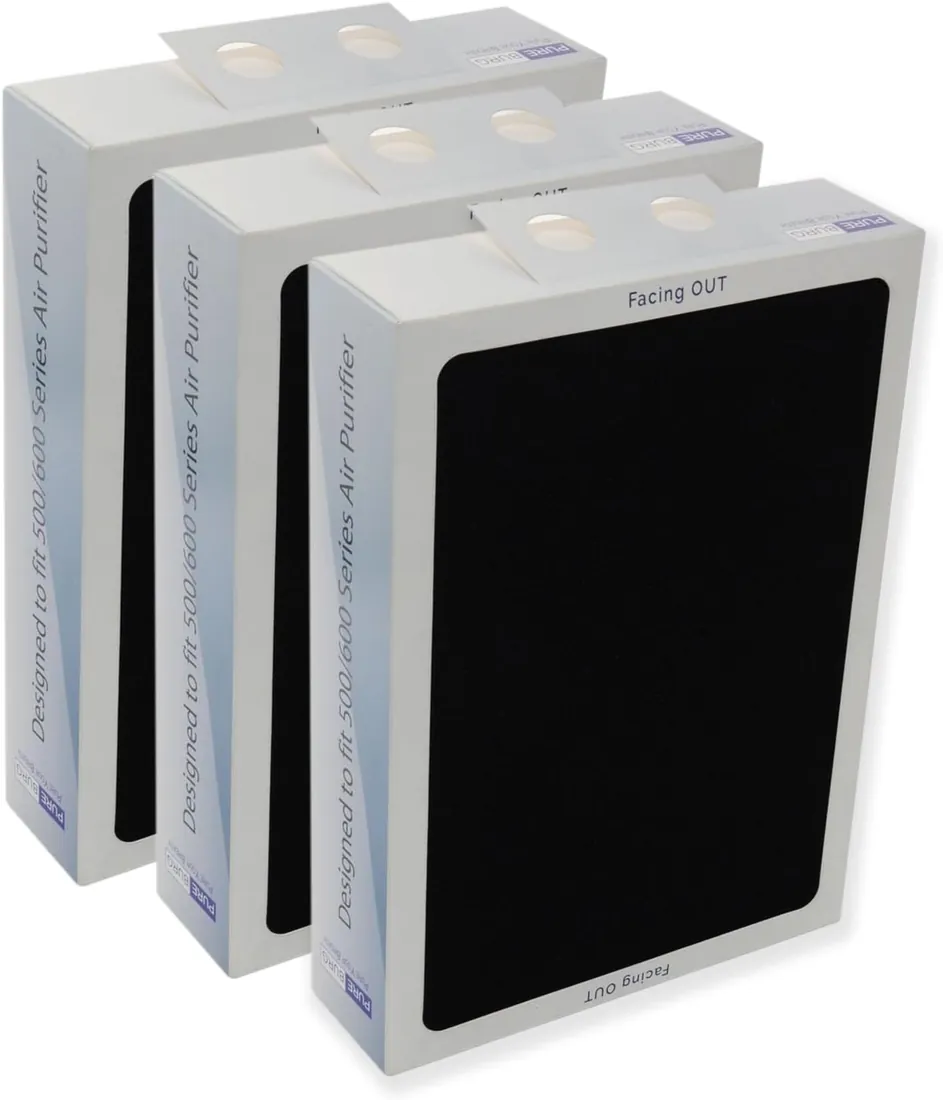
Compatible filter · PUREBURG
PUREBURG Replacement Filter for Blueair 500
Fits Blueair Classic 500/600 Series